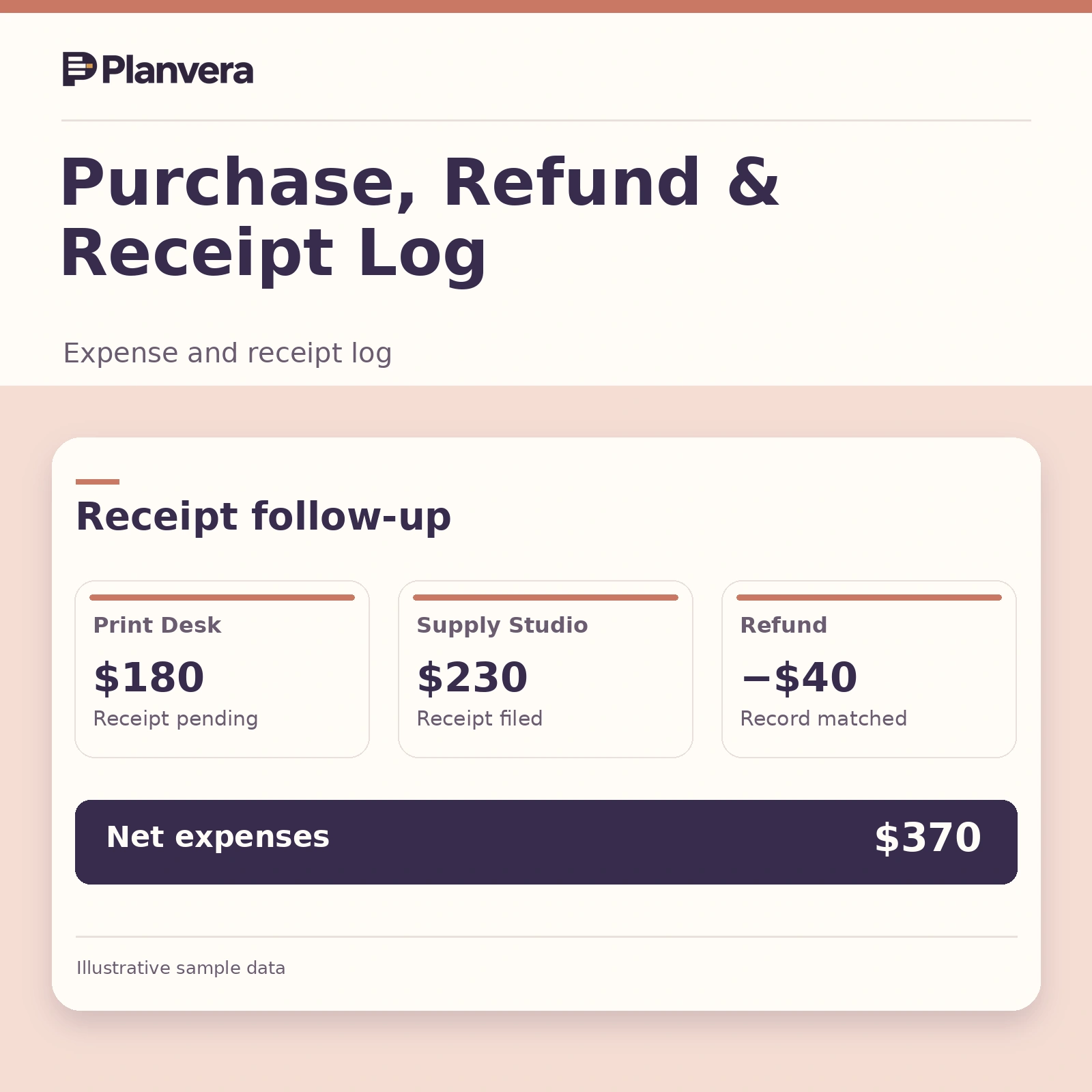
Purchase, Refund & Receipt Log
$49.00
Excel purchase and refund log for small businesses. Record vendor charges, organize receipt follow-ups, and trace refunds to their original purchases.
Description
Expense Records · Excel workspace
Find the purchase, refund or receipt that needs attention
This Excel expense log gives small teams one place to record purchases, document refunds and follow up on receipts. It is a fit for owners who do a month-end review with receipts arriving from suppliers at different times. Keep the original purchase reference so you can trace a credit without losing the details of the initial expense.
What you can do
Purchase records
Capture date, vendor, category and amount before a charge on a statement becomes hard to identify.
Receipt follow-up
Mark whether the document has arrived and give outstanding receipts a place in the next review.
Refund references
Record a refund when it arrives and mark the purchase it relates to so gross purchases and net spending can be reviewed separately.
See it in use
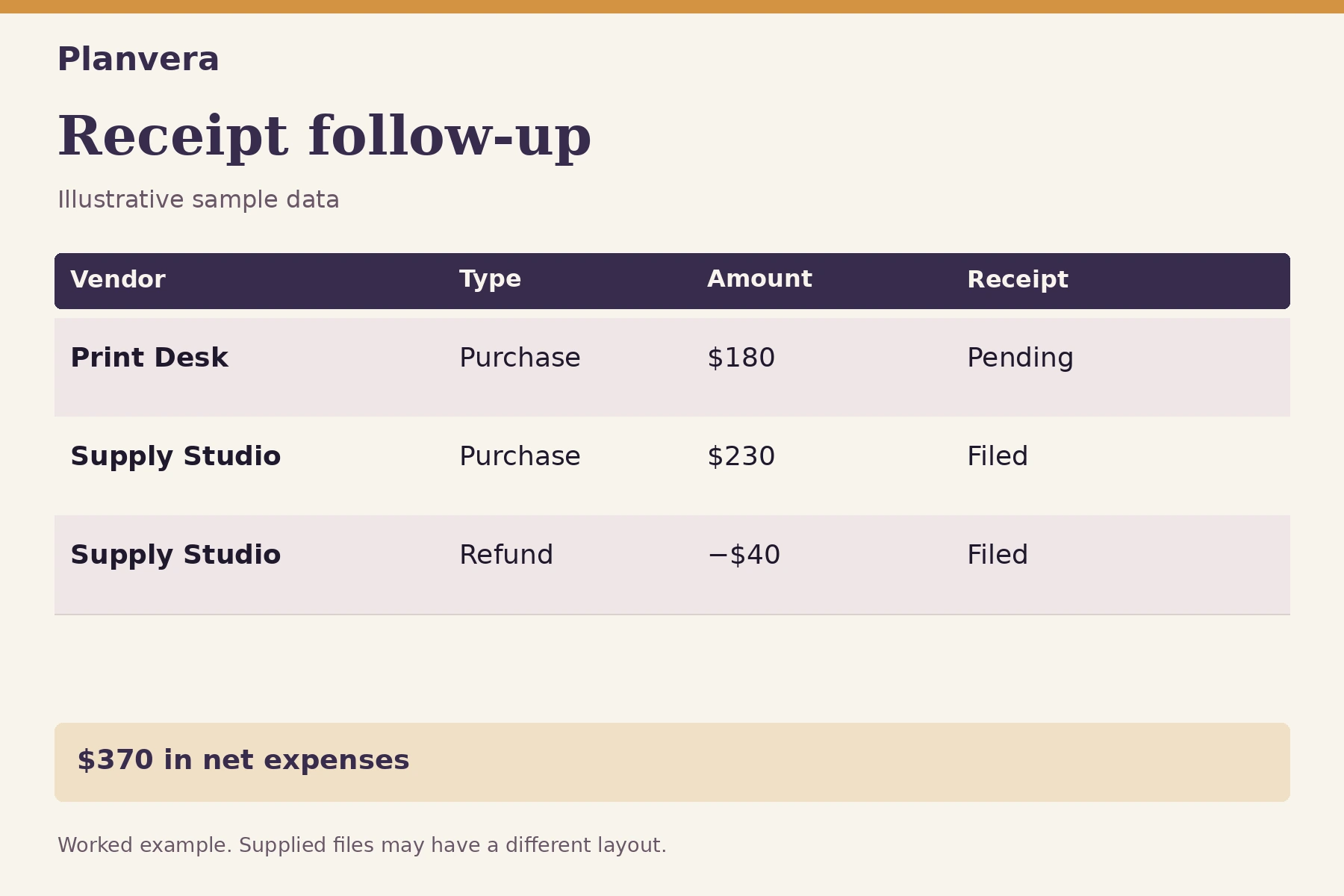
Worked example
In the sample, two purchases total $410. A $40 refund brings net spending to $370, while a separate $180 print charge still needs its receipt.
How to get started
- Enter each purchase close to the transaction date and note anything that will help you identify the receipt later.
- Record each refund with its own date and the reference for the original purchase.
- At month-end, compare purchases, refunds and net expenses. Follow up on missing receipts and clarify entries with incomplete details.
Questions about this product
How should I record a partial refund?
Record only the money actually returned and link it to the original purchase. Keep the original amount visible for reference.
Will it connect to a payment account?
The workflow uses records you enter yourself. Keep statements or original receipts available for detailed checks.
Related Planvera resources · Studio Budget & Spending Workbook · Monthly Sales, Costs & Invoices Dashboard · Browse all templates
Reviews
There are no reviews yet.