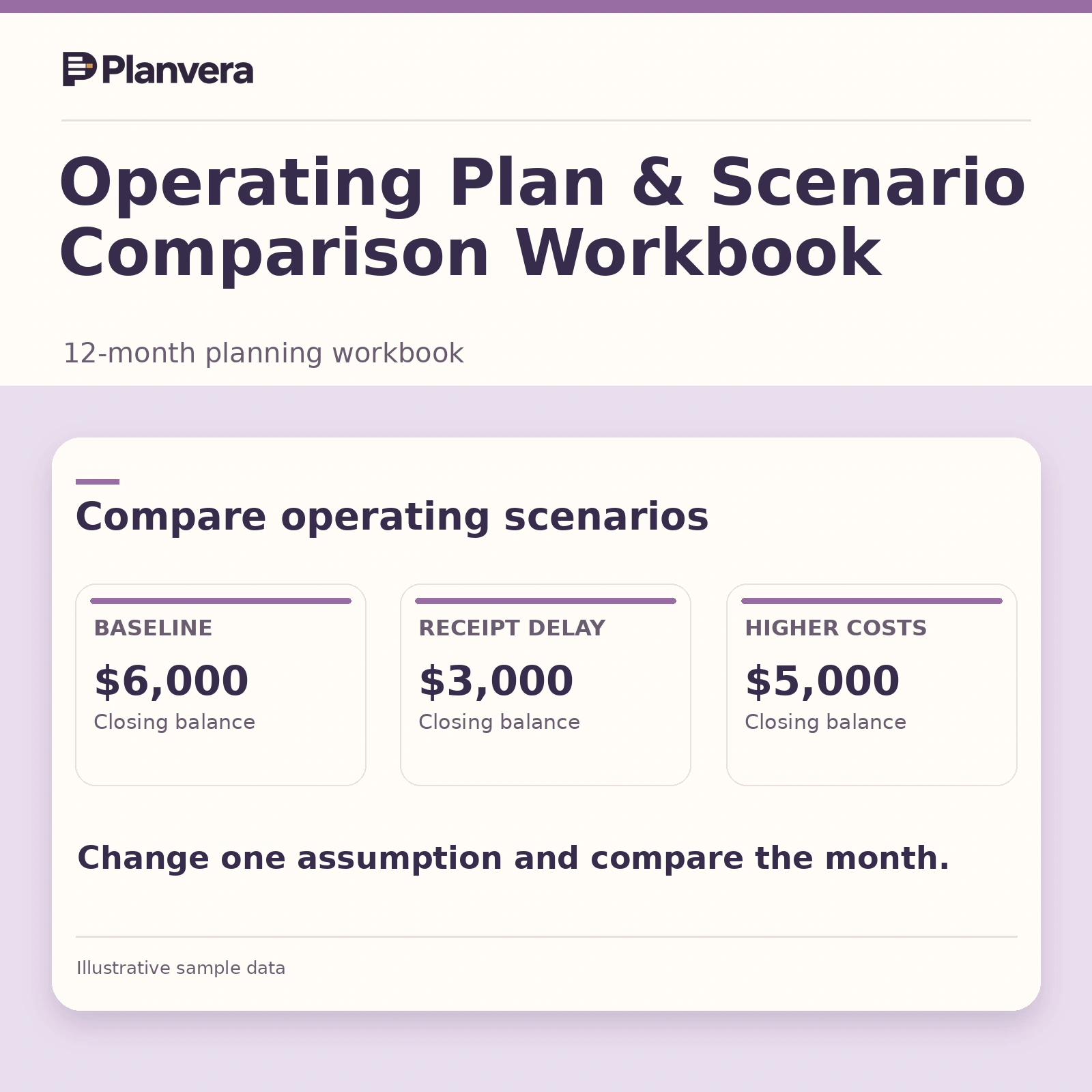
Operating Plan & Scenario Comparison Workbook
$79.00
Build a 12-month operating plan in Excel and compare business scenarios for sales assumptions, operating costs and changes in receipt timing.
Description
Operating Assumptions · Excel workspace
Test changes to your annual plan before committing
Use this 12-month Excel operating plan to turn a business assumption into a specific review. Start with expectations for sales and operating costs, then compare what changes if a receipt arrives later, a recurring cost rises, or sales come in below plan. This workbook is intended for a business owner or team that needs to explain the assumptions behind a decision.
What you can do
Sales assumptions
State what you expect to sell and what pricing or timing assumptions you are using before reviewing the monthly outlook.
Operating cost estimates
Identify the operating commitments you expect to pay and note which estimates depend on staffing, suppliers or project schedules.
Scenario comparison
Use alternative assumptions to review the months most affected and identify the driver responsible for the change.
See it in use
Worked example
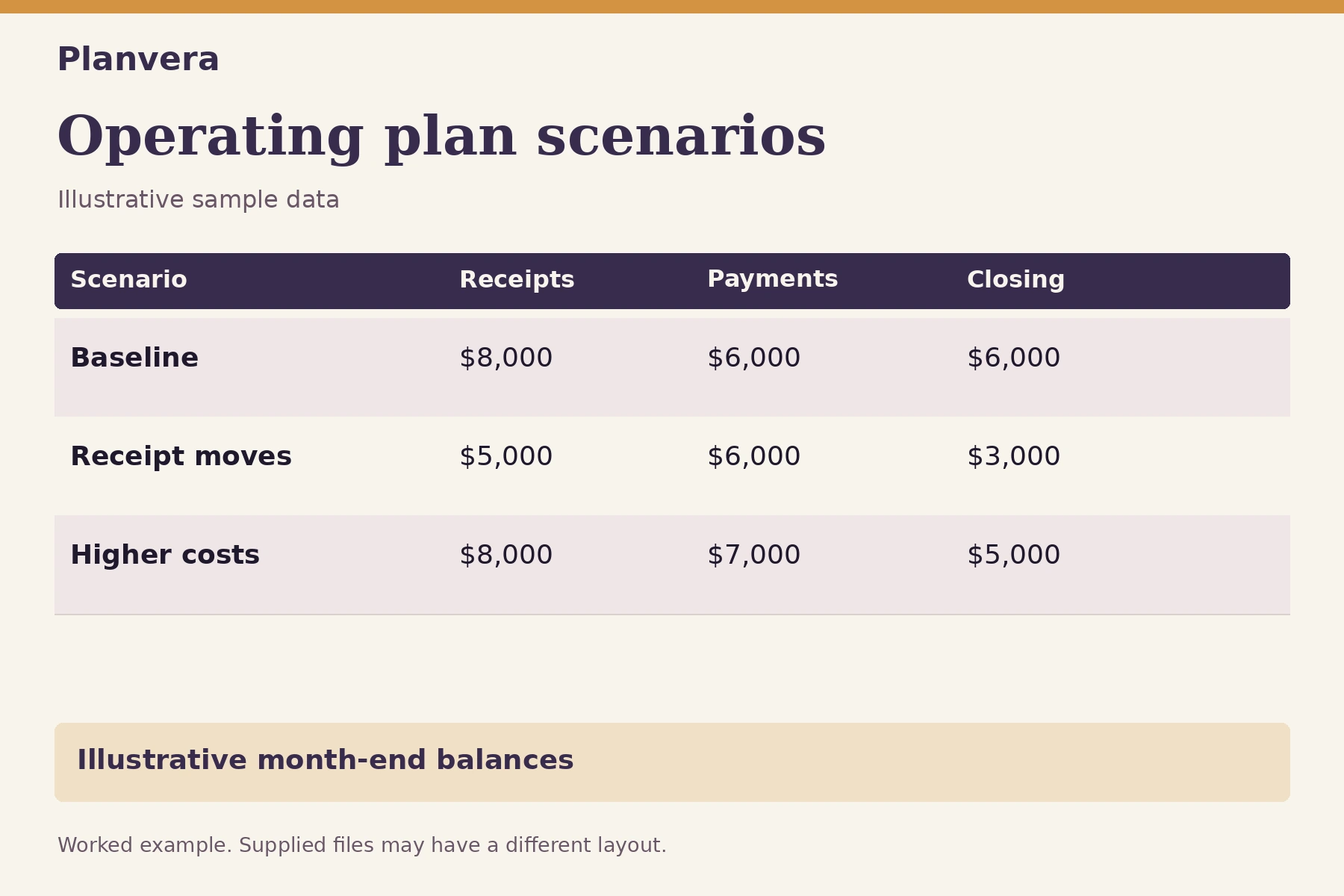
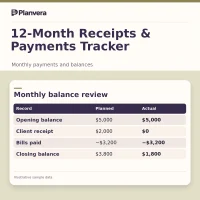
The sample workshop starts with $4,000, expects $8,000 in receipts and plans $6,000 in payments. Moving $3,000 in receipts out of the month changes the illustrated closing balance from $6,000 to $3,000.
How to get started
- Record your baseline period assumptions and identify which inputs are estimates.
- Try a specific change, such as a postponed customer payment. Keep the other inputs consistent so the effect is easy to trace.
- Compare the affected months and write down the decision or additional information you need before changing the plan.
Questions about this product
What is a useful first scenario?
Begin with one assumption that could plausibly change. For example, move a large customer receipt one month later while leaving the other inputs alone.
Can I use the results after month-end?
Keep a record of your original assumptions and compare with actual activity after the month closes. Estimates change when the underlying assumptions change.
Related Planvera resources · 12-Month Receipts & Payments Tracker · Small Business Planning & Operations Workbook Collection · Browse all templates
Reviews
There are no reviews yet.