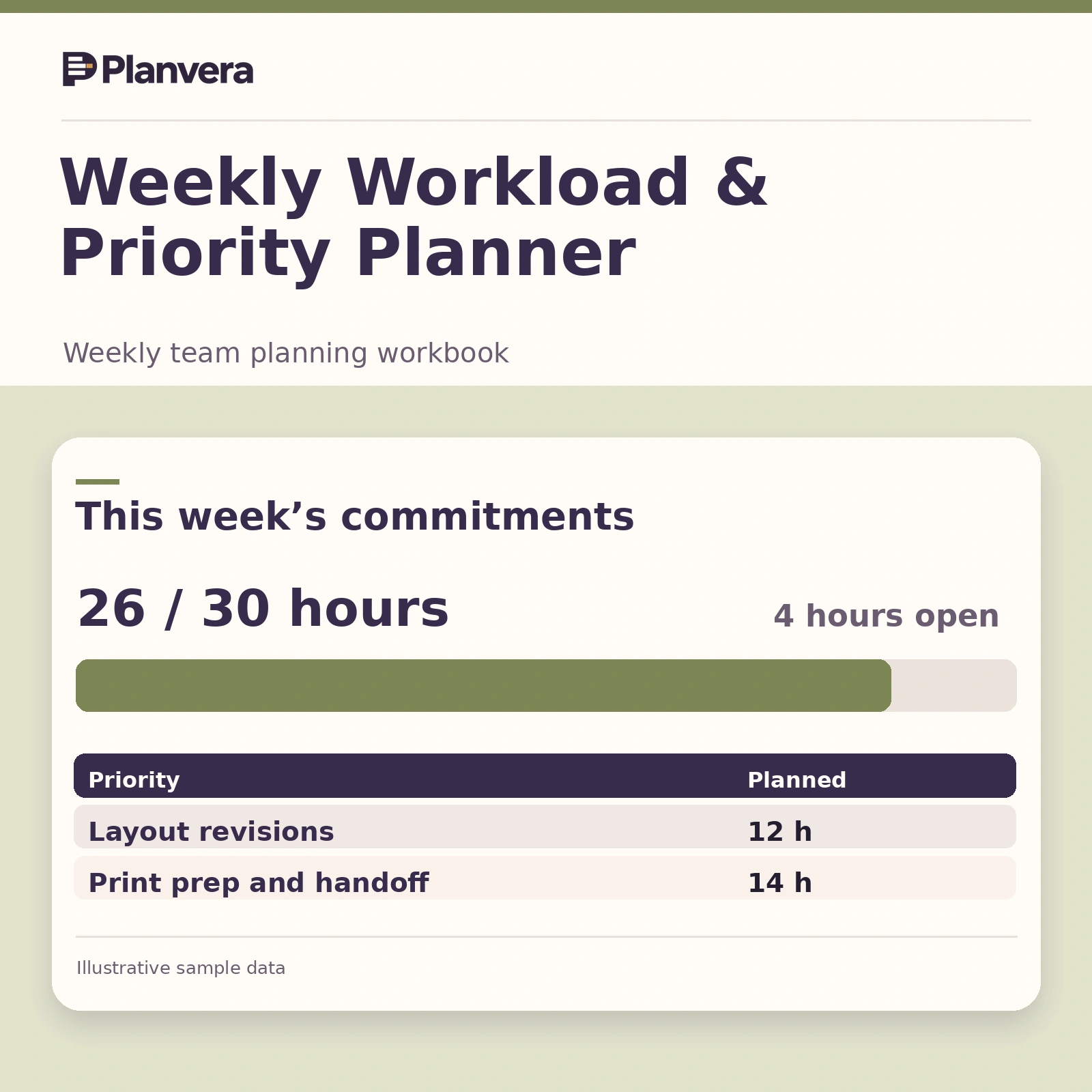
Weekly Workload & Priority Planner
$99.00
Weekly Excel workload and priority planner for assigning owners, comparing planned effort with team capacity and tracking blockers through the next review.
Description
Team Capacity · Excel workspace
Set a week’s priorities around hours people actually have
This Excel workload planner makes a weekly commitment discussion more concrete. Give each priority an owner and expected hours, compare that work with team capacity, and set a follow-up for tasks blocked by another person or supplier. Use it before a weekly meeting when the team has to choose what fits and what should move.
What you can do
Priority and owner
Pair the expected outcome with one accountable person and the week it belongs to.
Effort and capacity
Deduct existing commitments from the available hours and review where estimates leave little room for changes.
Blocker and review date
Record the dependency, the person who can take the next action and when the team will revisit it.
See it in use
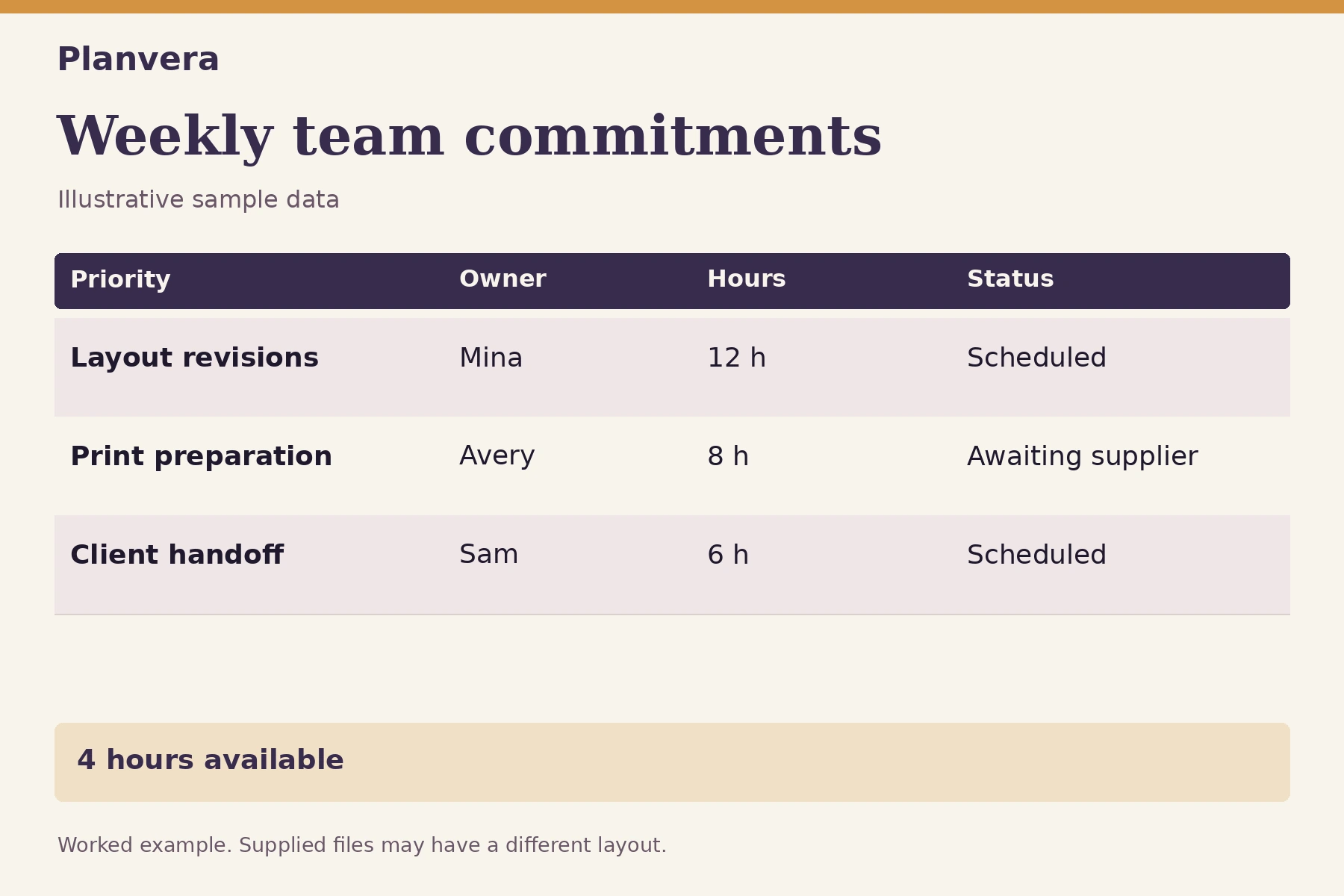
Worked example
The example starts with 30 available hours and 26 assigned. It holds the remaining four hours until a supplier confirms a slot instead of committing them immediately.
How to get started
- Set the review week and estimate the time people actually have available.
- Enter work due this week, give it an owner and add an hours estimate if it occupies team capacity.
- Review competing deadlines. Carry forward the items that still need a decision and mark the next date to check them.
Questions about this product
How should I estimate effort?
Use the remaining hours you expect to spend this week. Update the estimate when scope changes or work is blocked.
Can I use it with a project tracker?
Yes. Bring the most time-sensitive tasks into the weekly review and keep the detailed dependencies with the project record.
Related Planvera resources · Client Project Schedule & Task Tracker · Project Operations & Monthly Planning Set · Browse all templates

Reviews
There are no reviews yet.