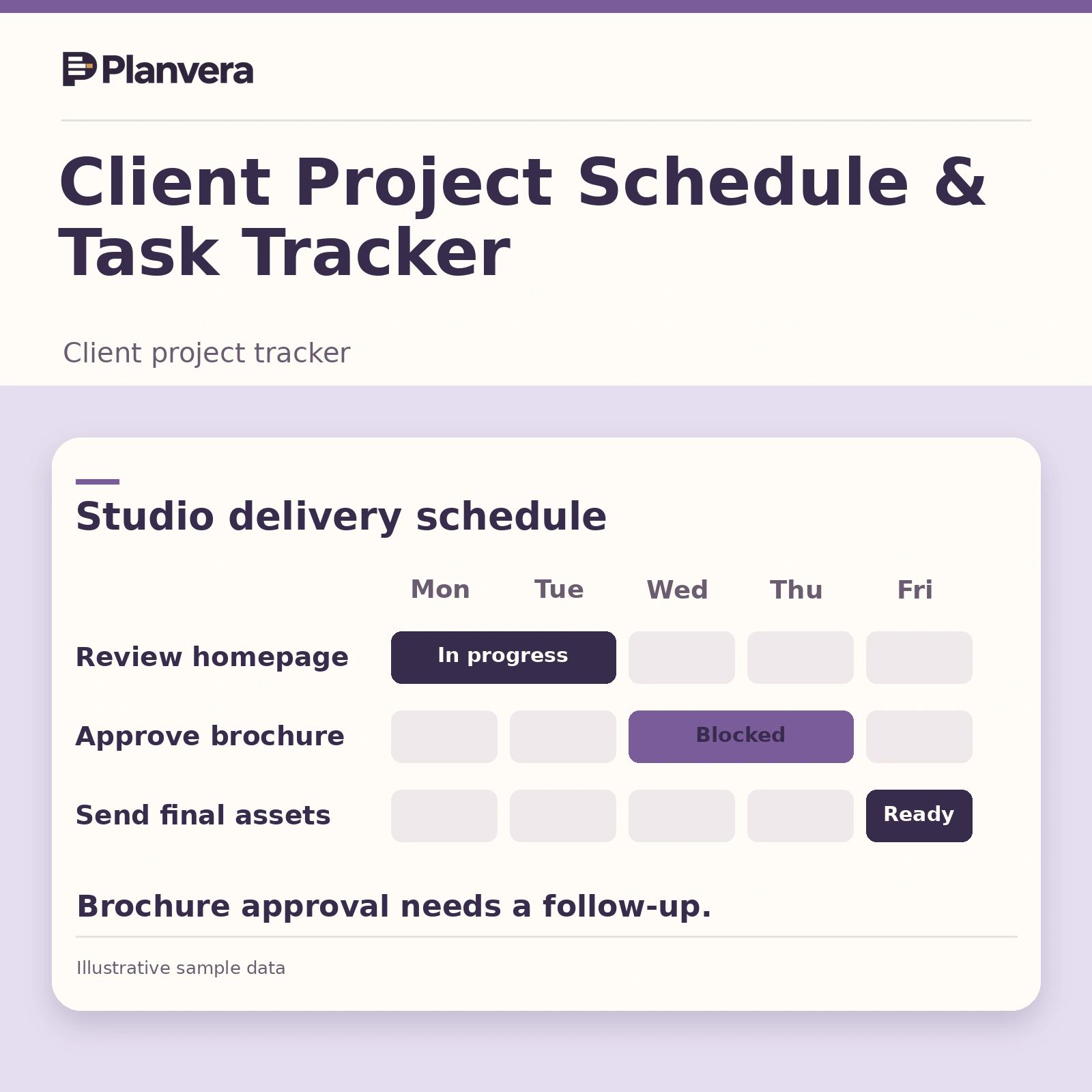
Client Project Schedule & Task Tracker
$29.00
Excel client project task tracker for owners, due dates, statuses and dependencies. Organize active jobs and run a focused delivery check-in.
Description
Project Delivery · Excel workspace
Know which client deadline depends on someone else
Use this Excel project task tracker during a delivery check-in. Organize active jobs by project, make the owner for each task visible and record approvals or inputs that could push a deadline. It fits freelancers and small studios that need a clean handoff between people working on several client jobs.
What you can do
Owners and due dates
Record one responsible person and a date for every assignment that must be reviewed.
Status by project
Scan items by client job to see what is moving, complete or waiting for a decision.
Dependencies and blockers
Capture the prerequisite and name the person who can clear it before the next milestone changes.
See it in use
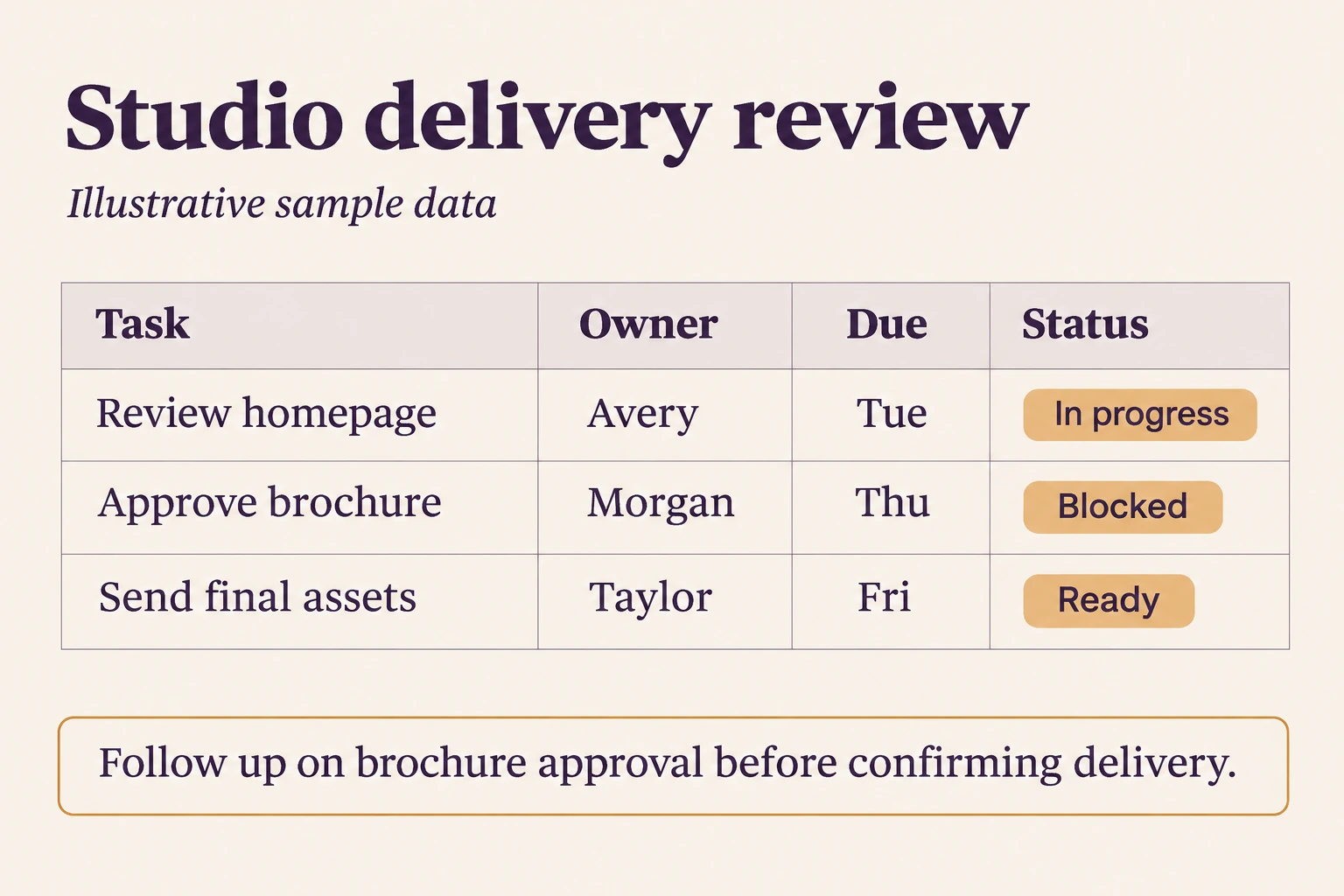
Worked example
The studio example separates a homepage review in progress, a print proof awaiting client approval and final assets ready to send. The print proof is the item that needs an explicit owner for the next step.
How to get started
- Add one row for each active task across your client projects. Use a short action name that a teammate can recognize quickly.
- Record the owner, expected date and current status. Add the approval, input or dependency when it affects delivery.
- During the check-in, review the blocked work first and agree who will follow up before revising downstream deadlines.
Questions about this product
Can I track multiple projects?
Yes. Organize tasks by project and review each set of deadlines in the same check-in.
When is the Workload Planner a better fit?
Use the task tracker for project dates and dependencies. Use the weekly planner when the immediate decision is how much work the team can accept.
Related Planvera resources · Weekly Workload & Priority Planner · Project Operations & Monthly Planning Set · Browse all templates
Reviews
There are no reviews yet.